Best audio setup for UGC video creators (no pro mic)
Get great UGC video audio using just your smartphone. Phone mic placement, budget lav picks, room acoustics hacks, and in-app clean-up tips.

A brand sent me a revision request once because my voiceover sounded "echoey." I was filming in my bathroom — all tile, zero soft surfaces — and thought the built-in mic would be fine. The footage was sharp. The audio killed it.
That moment taught me something I now consider the single most important rule for the best audio setup for UGC video creators: your environment matters more than your gear. A $15 lav mic in a well-treated room beats an expensive condenser in a reverb cave every single time.
The good news? You don't need a studio. You don't need a pro mic. You need to understand a few things about how phone mics actually work, where to put them, and how to stop the room from working against you. I'm going to walk through everything I've learned filming hundreds of UGC videos on nothing but a smartphone.
Why audio quality is the UGC detail brands actually notice
Brands review a lot of creator submissions. Their eyes adjust to imperfect lighting and shaky handheld footage — those things feel intentional and authentic. But audio fatigue hits differently. A muddy, echo-y, or wind-blasted voiceover forces the reviewer to work hard just to hear the talking points. That creates friction. And friction kills approval rates.
I've seen creators with 4K setups get sent back for reshoots because the audio was unworkable. I've also seen creators filming with an iPhone 12 and a $20 lav mic get approved in hours. The difference wasn't the camera — it was whether the audio was clean enough to drop straight into an ad.
This is especially true when a brand plans to whitelist your content or run it as a paid ad. They're not going to master your audio in post. What you deliver is roughly what runs. If you're not sure how that licensing dynamic works, our breakdown of UGC whitelisting rights explains why ad-ready audio is non-negotiable in those deals.
Good audio is also the difference between a viewer watching 15 seconds and a viewer watching 45. That retention gap is enormous for the performance metrics brands care about.
Phone mic placement: the one thing most creators get wrong
Every smartphone mic is omnidirectional. It picks up everything — including your AC unit, the fridge hum, the car outside, and every sound wave bouncing off your walls. You can't turn that pickup pattern into a cardioid. But you can use distance and angle to your advantage.
The golden rule: get the mic within 18 inches of your mouth.
At arm's length filming a talking head, you're probably 24–30 inches from the mic. That's too far. Sound pressure drops with the square of distance — doubling your distance roughly quarters the perceived volume and clarity. The room noise doesn't drop with it. So the further you are, the worse the signal-to-noise ratio gets.
Practical fixes when you're using only the built-in phone mic:
- Tilt the phone slightly downward so the bottom mic (where most phone mics live) faces your mouth, not your chin
- Prop the phone closer — 12–16 inches beats the standard arm-length setup for voice clarity
- Don't shoot talking-head style with the phone flat on a table — the mic will pick up table resonance and your voice will compete with it
- Cup your hands loosely around the phone bottom while reviewing test audio — if your voice gets clearer, that's confirmation of where the mic is
If you're doing a walking "walking and talking" testimonial style shot, hold the phone slightly off-axis to reduce wind and breath plosives hitting the mic directly. A simple windscreen foam cover (usually under $5 on Amazon) eliminates almost all wind noise and breath pops on built-in mics.
Record a 20-second test clip before every shoot. Play it back with one earbud in. You'll catch echo, hum, and proximity issues before you record 10 minutes of unusable footage.
Budget lavalier mics: what actually works under $30
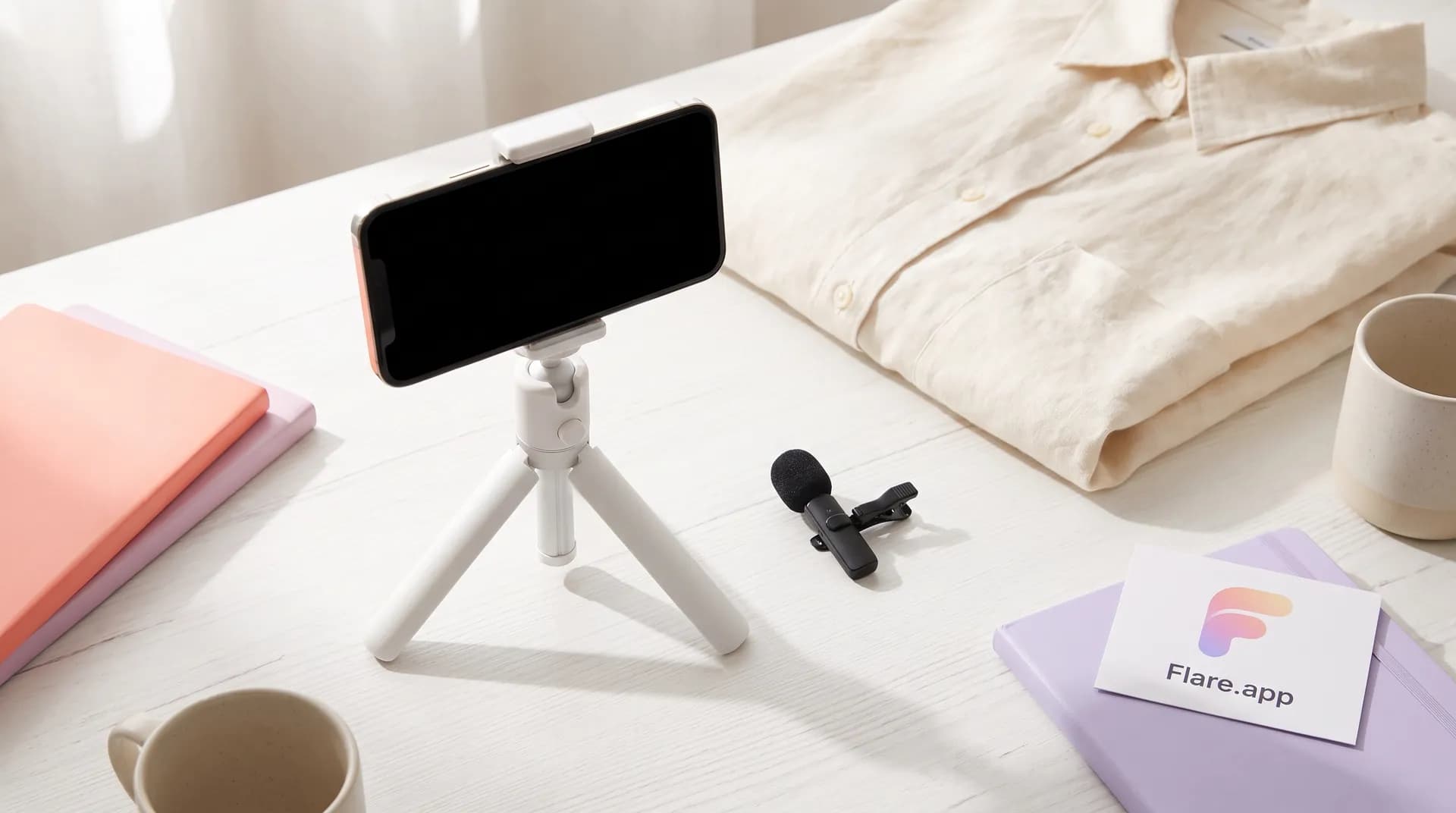
A lavalier — a clip-on mic — solves the distance problem instantly. You clip it to your shirt or collar and it's 6–8 inches from your mouth regardless of how far your phone is from your face. That single change transforms your audio. No exaggeration.
The three options I recommend at different price points:
Under $15 — Movo PM10: Wired, clips to your collar, plugs into the headphone jack or USB-C with the included adapter. The audio isn't studio quality, but it's dramatically cleaner than a built-in mic at distance. For lifestyle and skincare UGC where you're within arm's reach of the camera, this genuinely works. I've seen brand-approved ads filmed with it.
~$25 — BOYA BY-M1: The one I still keep in my kit bag as a backup. Better capsule, slightly more natural voice sound, and it comes with a long cable so you can actually move. Works on iPhones with a Lightning adapter and on Android directly. Thousands of UGC creators swear by it.
~$50 — Rode Wireless ME: Technically breaks the "no pro mic" spirit of this article but worth mentioning because it's the first wireless lav that actually delivers clean audio at this price point. If you're delivering 5+ videos a month and audio revisions are costing you time, this pays for itself fast.
One important placement note for lavs: don't clip it to a rumply fabric or near a zipper. Fabric rustle is the most common lav audio problem and it sounds terrible in an ad. Cotton is quiet. Nylon and polyester crinkle. Clip below your collarbone, angle the capsule slightly upward, and run a cable loop under your shirt to reduce cable tug noise.
Room acoustics: the free upgrade nobody talks about
I cannot stress this enough. Room treatment is completely free if you use what you already own, and it makes a bigger difference than almost any gear upgrade.
Hard surfaces — walls, floors, windows, desks — reflect sound and create that hollow, echoey quality that sounds amateur. Soft surfaces — carpets, curtains, couches, clothing — absorb those reflections.
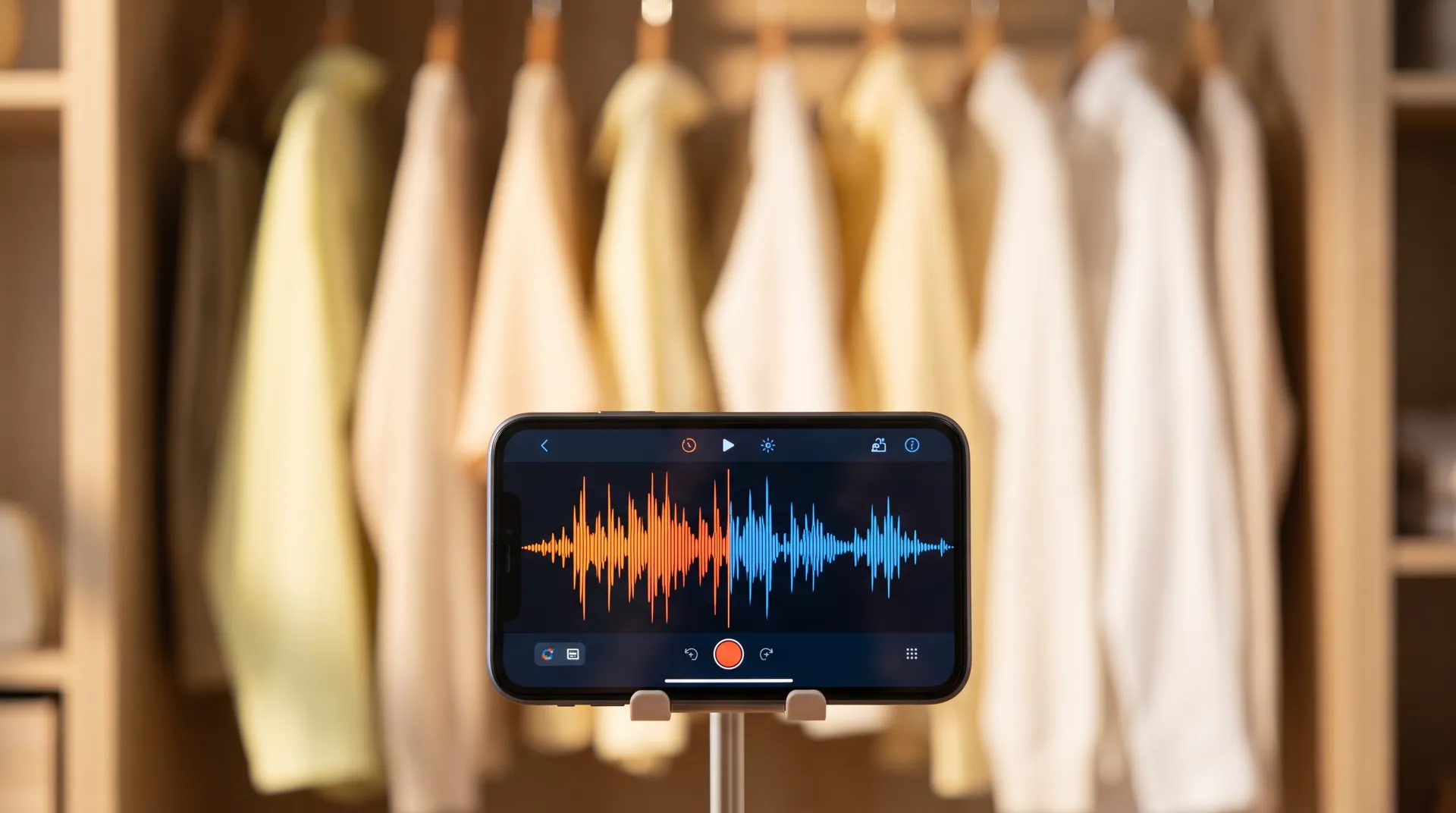
The wardrobe trick: Record inside or directly in front of an open wardrobe full of hanging clothes. The clothes absorb reflections from directly behind you. Combined with a blanket or duvet pulled over your shoulders and slightly in front of you, you've created a makeshift vocal booth. This isn't a joke — I've recorded voiceovers this way for campaigns that ran on Meta spend of $50k+.
Other room setups that actually work:
- A corner of your bedroom where two walls are covered by a bed, curtains, and soft furnishings
- A walk-in closet (ideal — already fully lined with fabric on all sides)
- A couch corner with cushions propped on either side of your phone
- A car interior — sealed, padded, surprisingly good acoustics
What to avoid:
- Kitchens: hard counters, tiles, and appliance hum
- Bathrooms: all hard surfaces, guaranteed reverb
- Empty rooms or rooms with hardwood floors and no rugs
- Any room with a running appliance you can hear in headphones but tune out in real life
The full UGC filming guide covers the production environment in detail, including how to frame your shot to signal quality to brands before they even hear a word. Getting both audio and visual production right is what separates creators who get one revision from creators who don't.
HVAC and fridge noise are the two silent killers in apartment recordings. Turn off the AC/heat before recording. Temporarily unplug the fridge if it's in the same room. You'll be amazed how loud these are once you start actually listening.
In-app audio clean-up: what you can fix after the fact
Even with good mic placement and a treated room, you'll occasionally end up with audio that needs a pass before delivery. The good news: mobile editing apps have gotten genuinely capable at this.
CapCut has a built-in noise reduction tool that's actually decent for removing consistent background hum (AC, traffic, ambient noise). It won't fix reverb — nothing free will — but it'll clean up a recording that has a light noise floor. Find it under Audio > Voice Effects > Noise Reduction. Don't crank it to 100% — somewhere between 50–70% removes noise without making your voice sound robotic.
Adobe Premiere Rush (mobile) has an Enhance Speech feature powered by Adobe's AI. It's the best free option for voiceover cleanup. It can't resurrect badly reverbed audio, but for slightly muffled or noisy recordings it's surprisingly effective and runs entirely on-device.
Descript (desktop/mobile) has a Studio Sound feature that applies AI-based audio enhancement. It's my go-to for any video where the audio is good but not quite ad-ready. The free tier gives you limited uses, but for UGC batching one campaign at a time it's enough.
One thing none of these tools fix: loud, irregular background sounds. A dog barking mid-sentence, a door slamming, someone talking in another room — those are unrecoverable. The answer there is prevention: always do your 20-second test clip, check it with headphones, and if the environment is unpredictable, pause and wait.
For creators who are also thinking about their hook and script delivery alongside audio — which you should be, because audio confidence affects how you sound even in a clean recording — the UGC video hooks breakdown is worth reading before your next shoot. How you open your video directly affects how your voice needs to perform.
The audio checklist I run before every UGC shoot
Rather than leaving this abstract, here's exactly what I do:
- Environment first: choose a soft-surface room, close windows, kill the AC/heat, unplug appliances
- Mic decision: if I'm doing a static talking head, built-in phone mic at 14–16 inches works; if I'm moving or more than 20 inches from camera, I clip the lav
- Lav placement check: no fabric rustle, capsule angled up, cable looped under shirt
- 20-second test clip: headphones in, listen critically before recording anything real
- Post-processing plan: if the recording has a noise floor, CapCut noise reduction pass before delivery; if I want it polished, Descript Studio Sound
That's it. Five steps. The whole process adds maybe 4 minutes to a shoot and has eliminated 90% of my audio revision requests.
Audio isn't glamorous. Nobody posts an Instagram reel about how their lav mic clip angle leveled up their brand deal game. But the creators I see charging $300–$500 per video and getting repeat clients have this stuff figured out. It's not luck — it's production craft.
Frequently Asked Questions
What is the best audio setup for UGC video creators on a budget?
Can I get good audio for UGC videos using just my phone's built-in mic?
How do I reduce echo in my UGC video recordings?
What budget lavalier mic should I buy for UGC videos?
How do I clean up audio on a UGC video after recording?
Does audio quality affect UGC brand approval rates?
Related reading
- How to film UGC content that converts (full guide) — the complete production playbook this article is part of
- UGC lighting on a budget: natural light vs. ring light vs. LED panel — fix your visuals to match the clean audio you just nailed
- UGC video hooks: stop the scroll in 3 seconds — once your audio's clean, your hook needs to do the heavy lifting
- UGC scripting: the Problem-Agitate-Solve framework — structure your script so your delivery lands, not just your mic placement