
Software Demo Video With Presenter: When It Beats Screen-Only
Learn when a software demo video with presenter builds more trust than pure screen capture, and how to blend both for better pacing and conversions.

Most SaaS demo videos fail for the same boring reason: nobody's driving. You watch a cursor float across a dashboard for 90 seconds, a disembodied voiceover narrates features, and you forget what the product even does by the time it ends. A software demo video with presenter fixes that problem in a way pure screen capture never can — because it puts a human in the driver's seat, and humans build trust faster than cursors do.
I've made both kinds of demos for Flare and for client work before that. The screen-only ones are cheaper and faster to produce. But the ones with a presenter — even just a small talking-head bubble in the corner — consistently get watched longer and convert better on landing pages. Not because the production value is higher. Because someone is clearly showing you something, not just displaying it.
When a presenter actually earns its place in a software demo video
Adding a face isn't free. It costs you production time, it means someone has to be comfortable on camera, and it adds a layer of editing complexity you don't get with a straight screen capture. So the real question isn't "should I add a presenter" — it's "does this specific moment need one."
Here's where I've found a presenter layer genuinely helps:
The opening 10 seconds. Viewers decide whether to keep watching almost immediately. A warm, confident human face saying "here's the problem we solved" does more to earn attention than three seconds of a loading dashboard. This is the single highest-leverage spot for a presenter in the whole video.
Transitions between workflows. When you're jumping from one feature to a completely different one, a quick cut to the presenter re-framing the next section prevents the whiplash that pure screen capture creates. It's the video equivalent of a paragraph break — it tells the viewer "new idea starting here."
Moments that need credibility, not just information. If you're explaining pricing, a security claim, or anything where the viewer might think "sure, but is this actually true," a human face saying it directly carries more weight than text on a screen. We trust faces. It's wired into us — researchers at Nielsen Norman Group have documented how viewers process and recall human faces faster than almost any other visual stimulus.
The close. Ending on a screen recording feels transactional. Ending on a person saying "give it a try, here's what to expect" feels like an invitation. That distinction matters more than people think for click-through to a trial signup.
Where pure screen capture still wins
I'm not anti-screen-recording. Most of your demo should probably still be screen capture, honestly. A presenter talking over every single click gets exhausting fast, and it slows down the information density that makes demo videos useful in the first place.
Screen-only works best when:
- You're walking through a multi-step workflow where the UI itself is the proof (think: "watch how fast this report generates")
- The audience is highly technical and wants to evaluate the interface directly, not be sold to
- You're producing a library of shorter feature clips where a presenter on every one would be repetitive and costly
- Pacing needs to move fast — screen capture lets you speed up mundane steps like typing or loading without it looking weird, whereas sped-up presenter footage looks off almost immediately
If you haven't nailed down which workflow and outcome your demo is even built around, start there before worrying about presenter versus screen capture at all. We cover that decision in SaaS Demo Video: Pick One Workflow and One Outcome — it's the foundation everything else in this post assumes you've already figured out.
How to actually combine the two without it feeling disjointed
The mistake I see most often is treating "presenter" and "screen recording" as two separate videos stapled together. That's how you end up with jarring cuts and a video that feels like it was made by committee — even if it was made by one person.
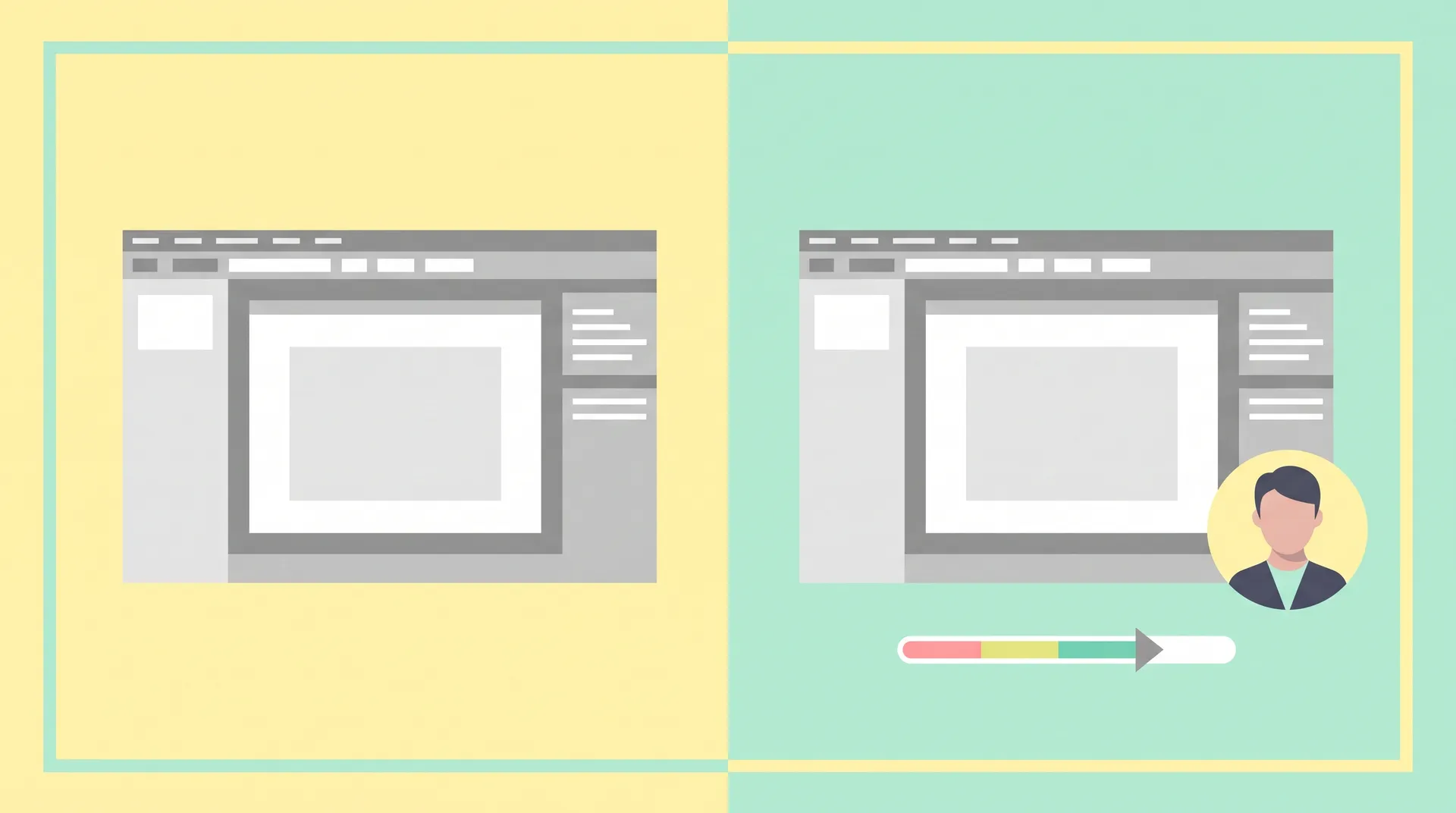
Pick a visual pattern and stick to it. Decide upfront whether the presenter appears as a full-screen cutaway, a corner picture-in-picture bubble, or a side-by-side split. Mixing all three in one video reads as sloppy. I default to picture-in-picture for most of the demo and full-screen cutaways only for the opening and closing — it keeps the screen recording as the visual anchor while still letting a face carry key moments.
Match your script to the format before you record anything. A presenter-plus-screen demo needs a script that explicitly marks which lines are delivered to camera and which play over screen capture. If you're writing this for the first time, our guide on how to write a software demo script that shows real value walks through structuring a script around the user's problem rather than a feature list — that structure makes it much easier to decide where a face belongs versus where the screen should do the talking.
Record the screen capture clean first. Get your screen footage locked before you record presenter segments, not the other way around. It's far easier to time a 12-second piece-to-camera against an existing clip than to guess how long a screen recording needs to be to match talking footage. And if your screen capture itself looks rough — low resolution, visible personal bookmarks, cursor jumping around — no amount of presenter polish fixes that. Our post on recording readable screen footage for a SaaS demo covers the technical setup that makes screen capture usable in the first place.
Use consistent framing and lighting for the presenter. If you're filming multiple segments across different days (common when you're updating a demo video over time), keep the same camera position, same lighting setup, same background. Viewers won't consciously notice consistency, but they will notice inconsistency, and it reads as cheap.
Setting up your demo environment matters more with a presenter in frame
One thing people underestimate: once a real person is in the video, your screen recording has to look more polished by comparison, not less. A presenter signals "this is a real, professional product" — and then a demo environment full of test data called "asdf123" undercuts that signal immediately.
Before you record anything with a presenter layer, get your demo account and sample data in order. We wrote a full breakdown of this in demo account and sample data setup for your SaaS explainer video — realistic names, believable numbers, no placeholder lorem ipsum. It takes an afternoon to set up properly and it's the difference between a demo that feels real and one that feels like a sandbox.
If budget or time only allows for a presenter in one spot, put it at the very beginning. The first 10 seconds do more work toward retention than any other single segment in a demo video with presenter — Wistia's video engagement research consistently shows drop-off is steepest in the opening moments, which is exactly where a human face does the most good.
A note on tone — don't let the presenter sell too hard
The biggest risk with adding a human to your demo is that it starts to feel like a sales pitch instead of a walkthrough. Keep the presenter's language descriptive, not promotional. "Here's what happens when you click this" beats "and this incredible feature will transform your workflow" every time. If you need language specifically for pushing back on viewer skepticism rather than narrating a feature, that's a different skill — we cover it in handling objections in sales video, which is more relevant for sales-stage video than top-of-funnel demos.
If this is your first time planning a demo video end-to-end, including deciding on budget, length, and distribution, it's worth stepping back to the full guide on planning and producing a SaaS demo video that sells before locking in your presenter approach. The presenter-versus-screen decision is just one piece of a bigger production plan, and getting the sequencing wrong — like filming presenter segments before you've scoped the product narrative — costs you reshoot time later.
For general video setup basics (lighting, framing, audio) that apply whether you're filming a demo or any other talking-head content, creator-economy production advice from the UGC world carries over surprisingly well. The same principles that make a UGC creator's on-camera delivery feel trustworthy apply directly to a SaaS presenter segment.
My actual recommendation
For most SaaS demo videos, I'd rather see 70-80% screen capture with a presenter bookending the video and popping in at two or three key transition points. That ratio gets you the trust and pacing benefits of a human presence without slowing down the information-dense parts that make a demo useful in the first place.
If your product is highly visual and self-explanatory — design tools, dashboards, anything where "seeing it" basically sells it — lean more toward screen capture. If your product's value is more conceptual or depends on trust, like security software or financial tools or anything B2B with a longer sales cycle, lean more toward presenter.
Either way, don't treat it as an all-or-nothing choice. The best demo videos I've seen use both, deliberately, in the moments that need them. A Wyzowl survey on video marketing found that most viewers say they prefer a mix of face-to-camera and product visuals over either style alone, which lines up with everything I've seen in practice.
Frequently Asked Questions
Does a software demo video need a presenter?
What's the ideal ratio of presenter to screen recording in a demo video?
Should the presenter appear full-screen or as a picture-in-picture overlay?
Do I need a professional studio to film the presenter segments?
Should I script the presenter parts differently from the voiceover?
What order should I record a presenter-plus-screen demo in?
Related reading
- SaaS Demo Video: Pick One Workflow and One Outcome
- How to Write a Software Demo Script That Shows Real Value
- How to Record Readable Screen Footage for a SaaS Demo
- Demo Account & Sample Data Setup for Your SaaS Explainer Video
- How to Plan and Produce a SaaS Demo Video That Sells
- Software Demo Video vs Explainer vs Tutorial: Pick Right